Tracer
healops binary.
You can work in two ways:
- Interactive prompt shell — run
healopswith no subcommand (TTY) to enter the REPL: describe incidents conversationally, stream investigations, and use slash commands. - Direct investigation — run
healops investigatefrom your terminal with-ipointing at an alert payload (or--interactiveto pick a file in the UI). The process runs and exits when the investigation completes.
1) Start an investigation
Interactive shell (healops)
From a terminal with stdin and stdout attached (healops detects a TTY), run:
/help for slash commands and /exit when finished.
When LLM_PROVIDER is openai or codex, /effort sets how much reasoning the model applies for that REPL session (low, medium, high, xhigh, or max). Run /effort with no arguments to print the current level and usage; /status includes the same field. Other providers ignore this setting (the shell prints a hint). You can also set HEALOPS_REASONING_EFFORT to low, medium, high, or xhigh in the environment for non-interactive defaults.
Direct investigation (healops investigate)
Pass an alert payload to healops investigate:
--interactive to pick an input file from your terminal UI.
2) Review investigation artifacts
A local run produces structured RCA artifacts such as:problem.mdfor incident framing and initial hypothesistheory/hypothesis_*.mdfor each hypothesis tested during the runreport.mdfor final root-cause summary and next steps
3) Understand what HealOps analyzed
Each run captures:- the original alert payload
- extracted context and normalized evidence
- tool outputs collected from connected integrations
- final diagnosis and recommended remediation steps
Chat
For local binary usage, the primary workflow is file-based (problem.md, report.md, and optional JSON output).
You can open these artifacts in your editor and iterate from there (for example, by asking your editor’s AI chat
to drill into specific hypotheses or evidence sections).
Slack reports
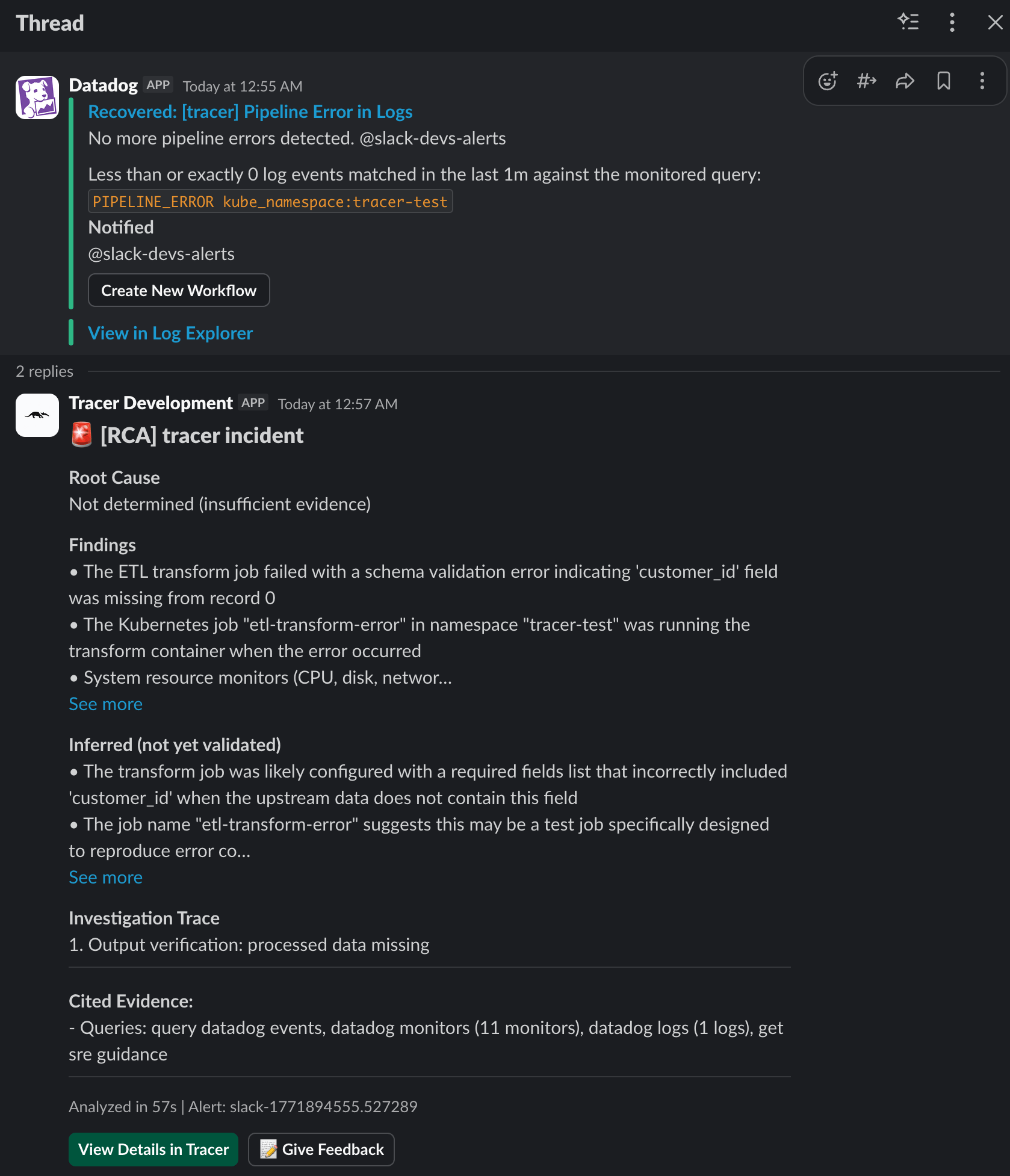
If you’ve configured the Slack integration, HealOps can publish a concise incident summary into Slack after the local investigation completes.