> ## Documentation Index
> Fetch the complete documentation index at: https://docs.healops.ai/llms.txt
> Use this file to discover all available pages before exploring further.
# Grafana
### Step 1: Create a token
Official documentation:[ How to add a token to a service account in Grafana](https://grafana.com/docs/grafana/latest/administration/service-accounts/#add-a-token-to-a-service-account-in-grafana)
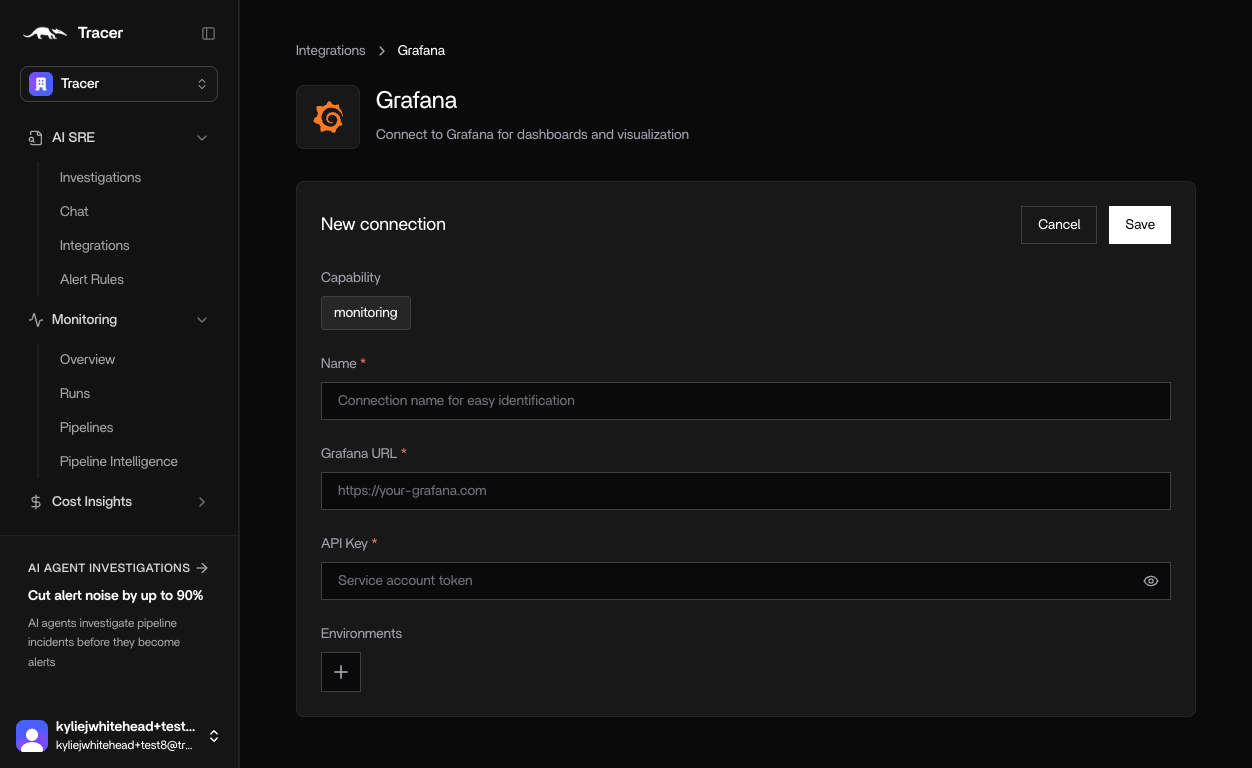
### Step 2: Connect Grafana to HealOps
1. In HealOps, go to **Integrations** → **Grafana**
2. Enter a name
3. Enter the endpoint URL for your Grafana instance
4. Paste your [API Key](https://app.datadoghq.com/account/login?next=%2Forganization-settings%2Fapi-keys) from Grafana
5. Click **Save**.